
You can change your account settings in the "Account settings" tab.
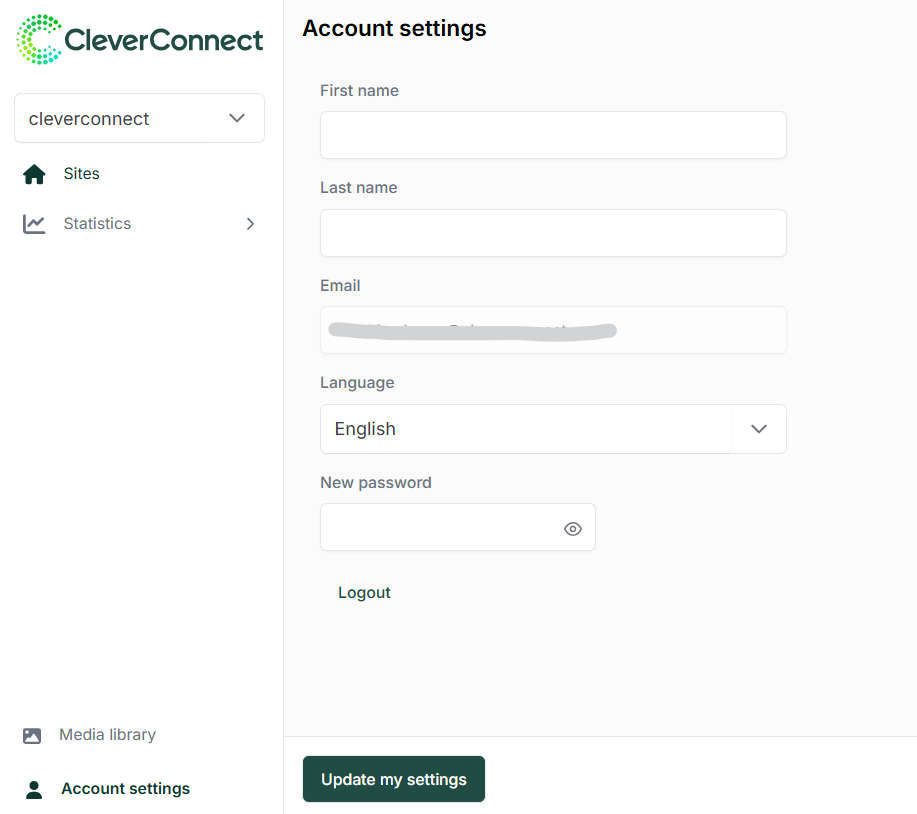
The following items can be updated:
-
First Name
-
Last Name
-
Interface language
-
Password, which must meet the following criteria:
-
At least one lowercase letter
-
At least one uppercase letter
-
At least one numeric digit
-
At least one special character
-
Minimum 12 characters
-
If you wish to change your login email address, please submit a request via a ticket to our support team.