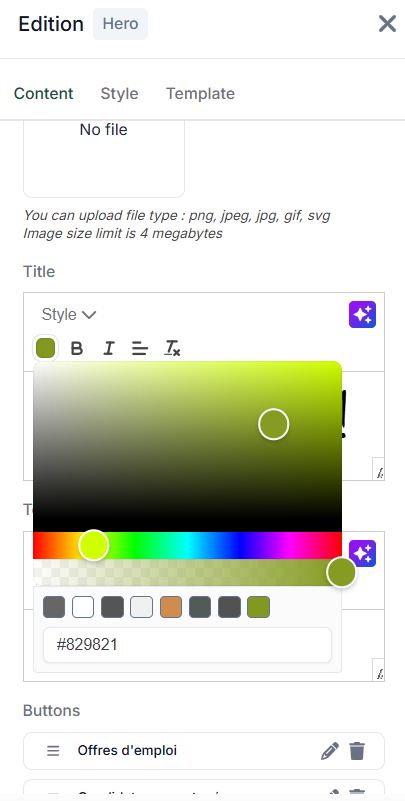
In this tab, you can add your brand's graphic charter colors so you can easily select them when editing your pages and blocks.
It is important to set these up as soon as you create your site.
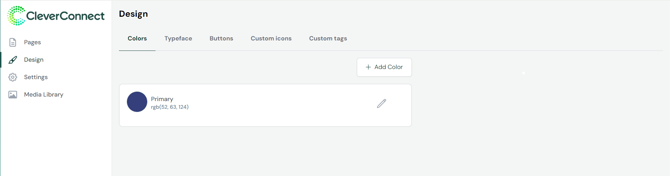
When you want to add or modify a color, a control panel appears. In this panel, you can:
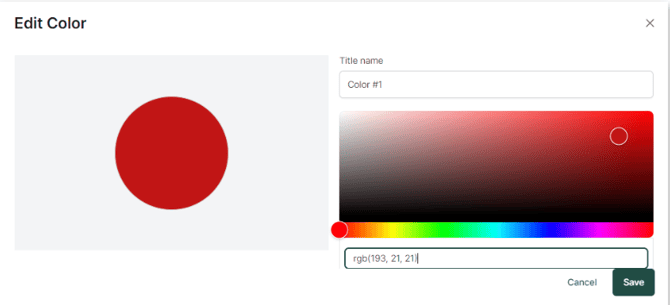
In this panel, you can :
- Customize the color title
- Select color from gradient table
- Search RGB components (Red, Green, Blue)
- Use a hexadecimal code (example for pure green: #00FF00)
Good to know :
The primary color cannot be deleted and its name cannot be modified.
Once you have completed this setup, your colors will automatically appear in the editing blocks of your CMS.