
Icons
The CMS includes a built-in icon library.
You can add new icons at any time.
You can upload one or multiple icons simultaneously in .svg format. All icons will be automatically resized to 24x24px.
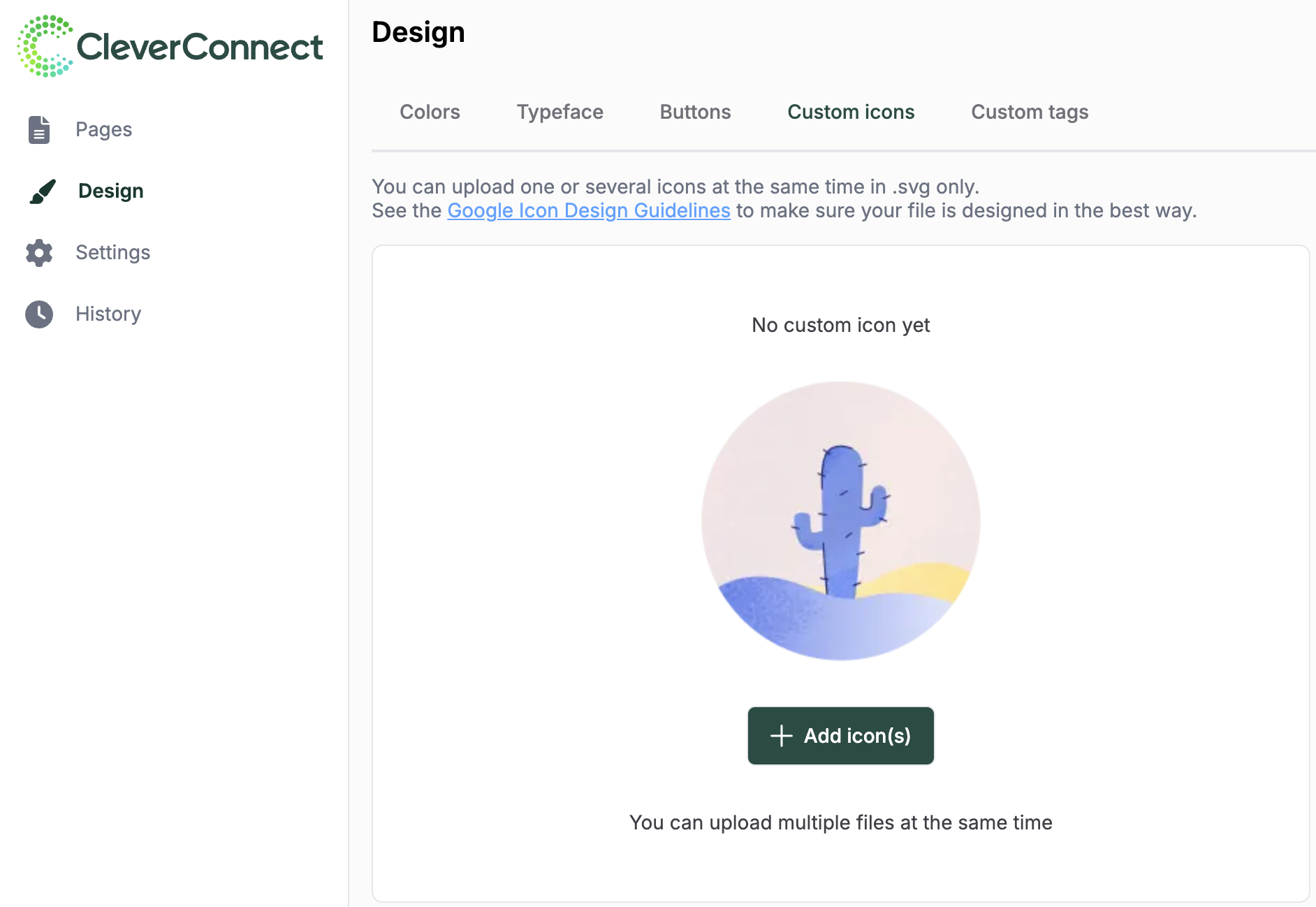
Tip: Consult the Google Icon Design Guidelines to make to ensure your files are formatted correctly.
Tags
The CMS offers 4 standard tags that appear on job offers and search blocks:
-
Company
-
Department
-
Job
-
Location
Other tags are linked to your CRM tenant. Examples of default CMS tenant tags include:
-
Contract type
-
Experience required
-
Teleworking
-
Skills
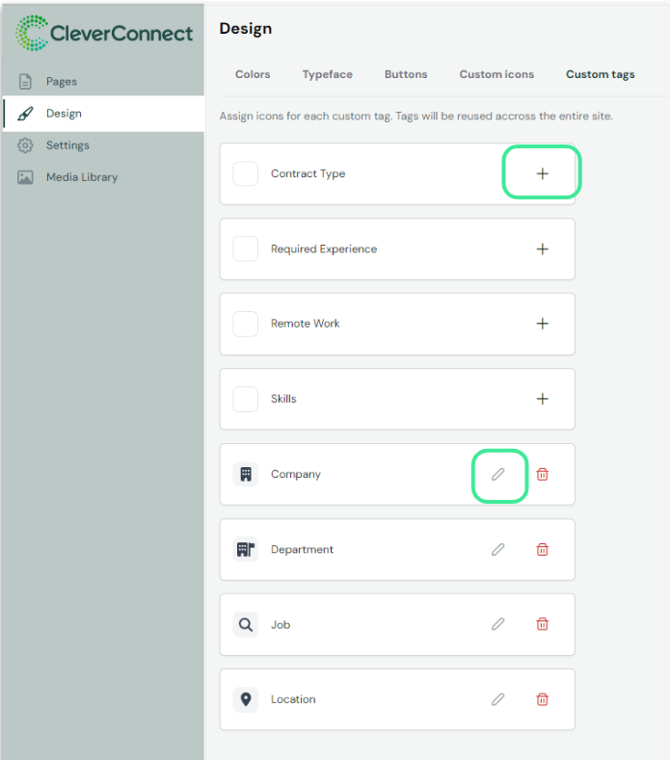
Customizing Tag Icons
Icons can be modified or deleted for each specific tag. When you add or modify a tag icon, the icon library will open, where you will also find your own custom icons.