
If you have multiple languages don't forget to change the subject and message in every language❗️
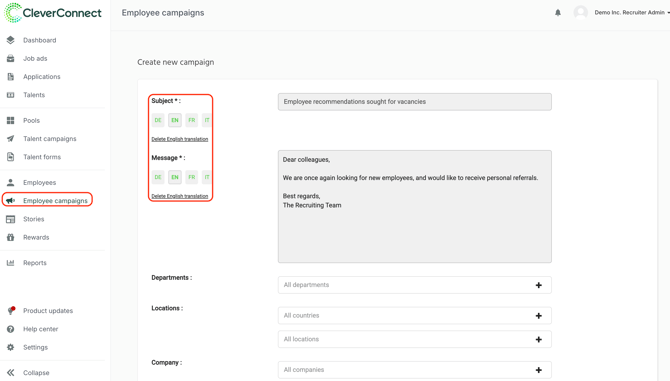
After writing the subject and the message you can filter out different variables. For example, if the job is only supposed to be send to specific departments you can click on the field and select the departments in question.
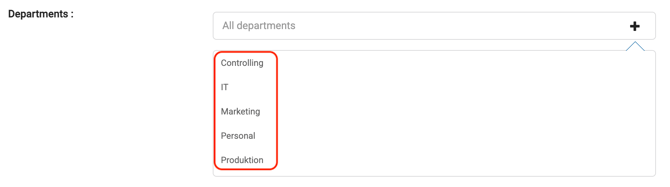
If you are curious about the filters for the campaign and how you can read our article dedicated to reaching your target audience.
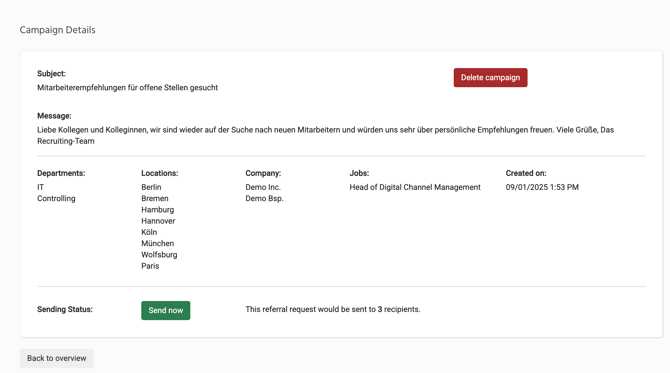
After you press "Create Campaign", the campaign is fixed and cannot be edited anymore.
Before sending the campaign you still have the option to delete the campaign or to go back to the overview. In case you decide to go back to the overview, you still will not be able to adjust the campaign anymore. You have the choice between deleting or sending the campaign.
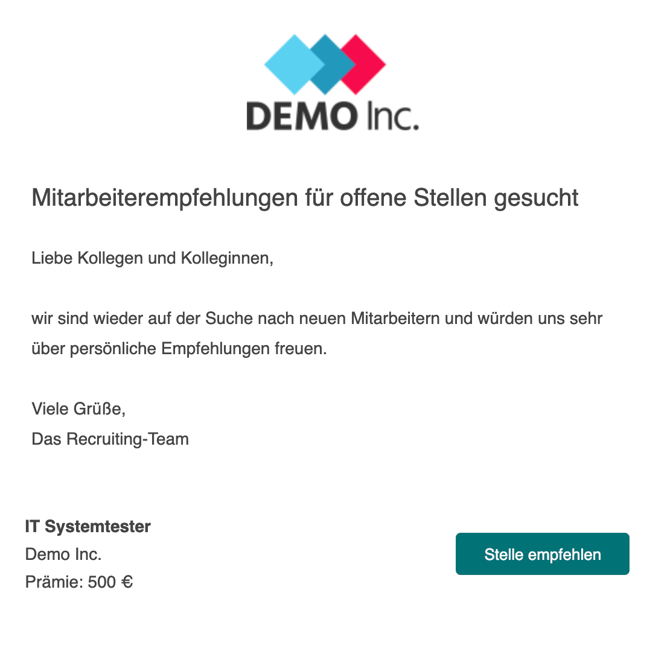
When the campaign has been send out, it will depict the company's logo and the subject / message created by the recruiter. Furthermore, there will be a direct button to get to the vacancies selected previously, to ensure a smooth user experience.
If you have further questions, you can always contact our support team.